
Who is on site?
Recorded attendance for staff, visitors and contractors.
TPR / TOTAL PROTECTION & RESPONSE
TPR is site safety and people management software. It connects the people on your site with the checks, work and emergency procedures that help keep them safe.
Bring visitor sign-in, contractor records, inductions, permits, emergency mustering and daily safety tasks into one place — with a clear view of what needs attention.
For the whole team responsible for a safer workplace.






FIND YOUR INDUSTRY
Explore how TPR can support the people, work and safety processes in your sector.
 Manufacturing & industrial ↗
 Logistics & warehousing ↗
 Construction & infrastructure ↗
 Schools, colleges & universities ↗
 Healthcare & care settings ↗
 Offices & commercial property ↗
 Facilities & estate management ↗
 Public sector & community estates ↗
 Retail & shopping centres ↗
 Hospitality, leisure & venues ↗
 Transport & fleet operations ↗
 Energy, utilities & environmental services ↗
 Data centres & technology facilities ↗
 Food, pharmaceutical & laboratory sites ↗
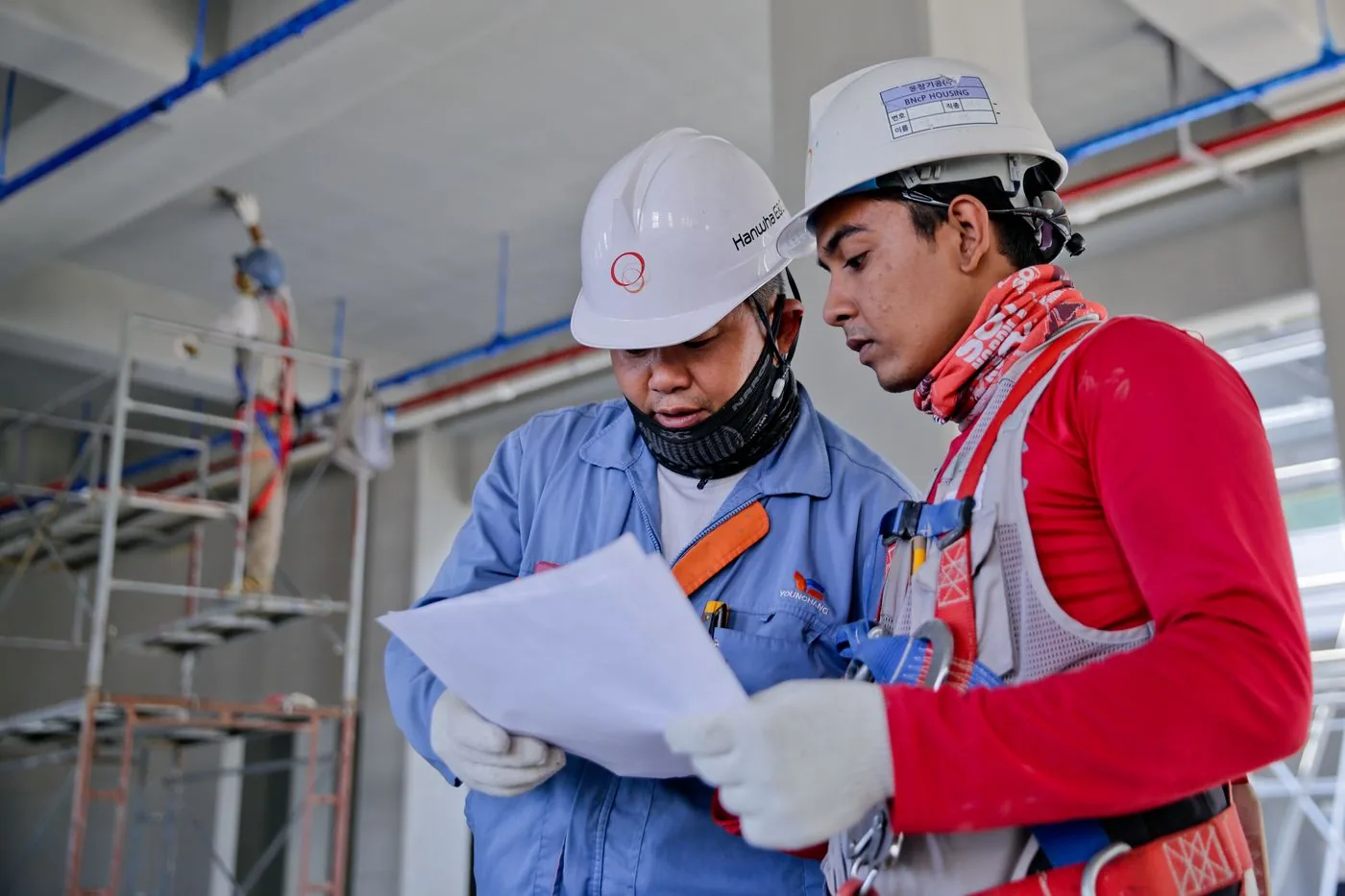
Illustrative workplace photographs, not customer endorsements. Your configuration is tailored to your sites and responsibilities.
THE CONNECTED PICTURE
A sign-in book tells you who arrived. A spreadsheet holds contractor documents. Another folder holds your inspection records. TPR brings those working processes together.
Your team can prepare for people before they arrive, manage the work while they are on site and retain the records needed for follow-up. The information supports everyday decisions as well as your response when something happens.
Recorded attendance for staff, visitors and contractors.
Documents, inductions, risk assessments and authorisations.
Inspections, maintenance, renewals and corrective actions.
Muster information, evacuation assistance and drill records.
HOW IT WORKS
From preparation to review, each stage gives the next team the information they need.
Before arrival
Invite visitors and collect contractor records, insurance and qualifications. Share site inductions and review risk assessments and method statements (RAMS) before the working day begins.
Visitor pre-registration · Contractor portal · Inductions · RAMS
At the entrance
Use kiosk or QR sign-in to record staff, visitors and contractors. Reception teams can notify hosts, issue passes and see recorded attendance in one place.
Reception · Kiosk sign-in · ID passes · Attendance
During the day
Manage permits, inspect work areas, report incidents and assign follow-up actions. Bring maintenance tasks and certificate renewals into the same operational picture.
Permits to work · Inspections · Incidents · Maintenance
When an alarm sounds
Use the recorded on-site register to account for people. Fire marshals can work by zone and see recorded evacuation assistance needs, supported by your established emergency procedures.
Emergency muster · Zones · Fire marshals · Drill records
At the next review
Review outstanding actions, expiring evidence and operational reports. Local teams manage their site while authorised managers can oversee multiple sites through Enterprise.
Reports · Compliance overview · Management review · Enterprise
SHARED INFORMATION. CLEAR RESPONSIBILITIES.
One platform can support different roles — whether you run an office, school, hospital, factory, estate or construction project.
Connect risk assessments, inductions, inspections and incident follow-up. Find the evidence and outstanding actions you need for your next review.
Coordinate contractors, maintenance, assets and certificates. Keep due dates and site attendance visible alongside the work being managed.
Prepare for expected arrivals, notify hosts and maintain an on-site register that supports the emergency response team.
Bring permits, briefings, drawings, quality checks and handover records into the day-to-day running of a project.
Prepare zones and assistance information, practise drills and use digital roll-call to support your evacuation procedures.
Review information across sites, share standards and contractor records, and give local teams access appropriate to their responsibilities.
Show us where paperwork, disconnected systems or missed follow-up slow your team down. We’ll demonstrate how TPR can help.
EXPLORE THE PLATFORM
Explore all seven areas of TPR. Open a section to see the tools available to your team.
Pre-book visitors, capture arrival details, notify hosts and keep reception records in one place.
Let visitors and contractors check in using self-service kiosks and QR codes, with site-specific sign-in steps.
Organise staff by department and role, manage permissions and onboarding invitations, and designate fire marshals.
Create identification passes with QR codes. Badge printing uses your configured browser and printer setup.
Review staff and contractor sign-in/out records, hours worked and corrections, then export attendance data for payroll.
Manage room bookings, attendees and availability so reception and workplace teams can coordinate visits.
Maintain membership records and check-in/out for clubs, leisure centres and venues, with attendance available to muster workflows.
Capture confidentiality agreements and document acceptance as part of the visitor journey.
Maintain company and worker records, insurance, certificate evidence and expiry dates for review by your team.
Give contractor companies a place to submit documents and worker details. Worker registration helps collect evidence before arrival.
Upload, review and approve risk assessments and method statements. Track versions, expiry dates and worker acknowledgements.
Prepare site-specific induction material, record completion and use AI-assisted scripts, images and narration where enabled. Your team reviews the content.
Use checklists and contractor confirmation before site authorisation, followed by operative acceptance before activation, with closure records.
Record SSIP and other scheme evidence, grades and expiry dates alongside worker qualifications and DBS records. Records support your review; they do not replace external verification.
Review contractor service performance and reporting against the service levels your organisation manages.
Use recorded site attendance to support evacuation roll-call for staff, visitors, contractors and members.
Organise muster by zone, use mobile fire-marshal views and highlight recorded evacuation assistance needs, including PEEPs.
Practise procedures with drill workflows, record status and retain information for the team’s follow-up.
Support scheduled welfare check-ins and escalation workflows for people working alone, as part of your organisation’s response arrangements.
Organise threat assessments, evacuation and lockdown procedures, drill records and supporting evidence for responsible teams to review.
Build assessments with hazard controls, risk scoring and actions. Types include general, COSHH, manual handling, working at height, lone working, DSE, DSEAR, noise, vibration, fire and young persons.
Create templates, schedule inspections, record findings and photographs, and track corrective actions through to closure.
Record incidents alongside good spots and positive actions. Behaviour-Based Safety views and trends help managers review safety engagement.
Keep incident information, reporting workflow records and follow-up together. Responsible people assess reportability and complete the required reporting.
Maintain assessments, assessor details, review dates, risk ratings and outstanding fire safety actions.
Keep building and equipment certificates together, with expiry tracking and reminders for renewal.
Start from reusable risk assessment and induction templates, then adapt them to your site and have the appropriate person review them.
Bring operational evidence, narrative inputs and actions into structured management reviews, with reports supporting your management system.
Maintain asset records, schedule work and use an annual maintenance planner to see due and overdue tasks.
Log faults, assign work, follow progress and retain a maintenance history through to resolution.
Manage onboarding, training, certificates, leave, absence, appraisals and organisational records alongside attendance.
Retain staff evidence, review status and expiry information to support your organisation’s Right to Work checking process.
Use contractor travel information to support estimated commuting emissions and sustainability reporting. Estimates depend on the data supplied.
Keep project details, duty-holder roles and F10-related records together to support your team’s CDM processes.
Organise projects, programmes, constraints and weekly commitments. Review progress, completion evidence and project reports.
Coordinate toolbox talks, task briefings, Take 5 assessments, site diary entries and broadcasts. Review first-aider and fire-marshal cover information and weather where configured.
Bring attendance, emergency readiness, today’s tasks, toolbox-talk sign-off and site plans into a shared site display.
Review drawings and store annotations against the relevant revision and page, with a history of changes.
Organise work packages, daily tasks and gang allocations. Collect supervisor returns, labour, plant and material information, and completion photos.
Record snags with photos and drawing locations, maintain inspection and test plans, and follow non-conformance and corrective actions through close-out.
Build structured operation and maintenance manuals and versioned handover packs, with PDF, Word, PowerPoint and ZIP export options.
See recorded attendance, site activity and key information together so your team can identify what needs attention.
Review outstanding evidence, renewals and actions across contractor and site records. Scores are internal indicators, not certification.
Review attendance, safety, contractor and operational information in reports that support decisions and follow-up.
Group sites and areas, give local coordinators appropriate access and review the portfolio centrally, with shared contractor records, standards and operational reporting.
Bring configured visitor, safety and operational event notifications into the Teams channels your organisation uses.
Use configured calendar connections to bring meeting invitees into visitor pre-registration workflows.
Discuss supported Suprema BioStar 2, Suprema CLUe and Paxton Net2 connections alongside your site’s physical access requirements.
Discuss Microsoft identity and single sign-on configuration for your organisation’s access arrangements.
GETTING STARTED
You do not need to tackle every workflow at once. Begin with the processes that matter most to your team, then agree the right configuration for your people and sites.
Discuss TPR for your organisationTell us about your sites, users and the processes you manage today.
Walk through the platform with ACS, from the user’s task to the manager’s view.
Discuss modules, user roles, sign-in equipment, integrations and a quotation.
USEFUL TO KNOW
No. Sign-in is one part of TPR. It also brings together contractor preparation, work authorisation, emergency mustering, safety records, maintenance and reporting. You can begin with the workflows your team needs and configure the wider platform around your operation.
Everyone involved in managing people, work and health and safety on site: H&S professionals, facilities and estates teams, reception, security, fire marshals, contractors, project managers and organisational leaders. It supports workplaces across sectors, including education, healthcare, manufacturing, offices and construction.
Managers use the platform to review records, authorise work and follow up actions. Reception and security teams manage arrivals. Visitors and contractors can use configured sign-in and pre-arrival workflows, while fire marshals use mobile muster views. Access depends on each person’s role and the modules enabled.
Yes. Enterprise estate management brings sites and areas together for central oversight, with appropriate local access, shared contractor records and standards. We will demonstrate how this fits your organisational structure.
TPR supports configured Microsoft Teams notifications and Outlook or Google Calendar visitor workflows. ACS can also discuss supported Suprema BioStar 2, Suprema CLUe and Paxton Net2 access control connections. Compatibility, permissions and setup are checked for your environment.
Book a demonstration and tell us your sector, number of sites and the tasks you want to improve. ACS will walk through the relevant workflows, discuss your users and any hardware or integrations, then explain a suitable configuration and quotation.
Features depend on your plan, enabled modules, roles and site settings. Integrations require compatible systems and configuration. Accurate sign-in and sign-out, trained people and established response procedures remain essential. TPR supports your team’s work; it does not replace professional judgement or statutory responsibilities. AI-assisted content needs human review.
Workplace photographs: Sergey Sergeev and Anamul Rezwan / Pexels; sector photography / Unsplash. Illustrative settings; no customer endorsement implied.
EXPLORE A SPECIFIC WORKFLOW
SEE TPR FOR YOURSELF
Tell us your sector, number of sites and the challenge you want to solve.